Artificial Life Simulator
Overview
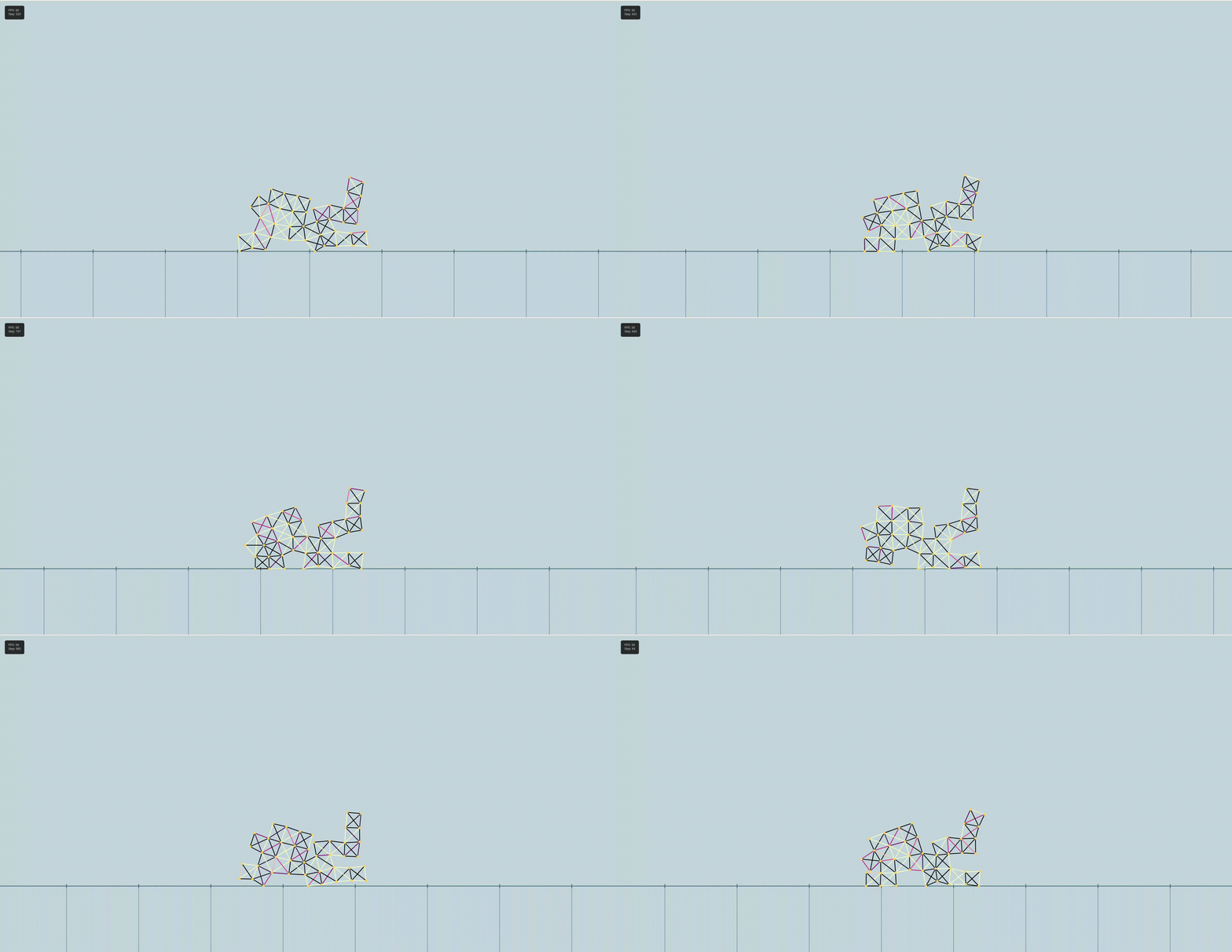
ALife-Sim is a fully interactive Artificial Life sandbox for studying the automatic design of robots and virtual creatures. Inspired by "Evolution and learning in differentiable robots," it uses an Age-Fitness Pareto Optimization (AFPO) algorithm to evolve 8×8 voxel-based robots inside the Taichi physics engine. What makes it special is the suite of custom web visualizers that let you watch evolution unfold in real time, manually intervene in the gene pool, breed creatures together, or design your own from scratch — all from a browser.
Evolutionary Engine — AFPO
Standard evolutionary algorithms tend to converge too quickly on mediocre solutions. AFPO (Age-Fitness Pareto Optimization) fixes this by treating both fitness and age as objectives, keeping a Pareto front of robots that are either high-performing or simply novel and young. Older, stagnant morphologies get culled while fresh mutations are protected long enough to develop useful locomotion. The entire evolutionary history — every parent, child, sibling rivalry, and generation — is serialized into a structured lineage.json DAG so nothing is lost.
- Prevents premature convergence by protecting young, novel morphologies from early elimination.
- Tracks parent-child relationships, generation levels, and sibling competition in a full DAG (lineage.json).
- Runs via: python afpo_run.py --config config.yaml --generations 20
Interactive Evolution Tree Visualizer
The centerpiece of the project. A Flask backend reads lineage.json and serves a live HTML5 Canvas frontend that renders the entire genetic family tree. Every node is a robot — you can pan, zoom, and explore thousands of generations at once. Hover over any node and the robot immediately starts animating in place, showing you exactly how it walks (or fails to walk). A fitness color gradient makes high-performers instantly obvious.
- Dynamic family tree with smart collision-avoidance layout — handles complex multi-generation DAGs cleanly.
- Hover-to-Animate: no page reload needed — the physics simulation plays inline on the node.
- Light/Dark mode toggle, smooth pan/zoom, and per-node fitness color mapping.
- Launch with: python tree_visualizer.py → http://localhost:5001
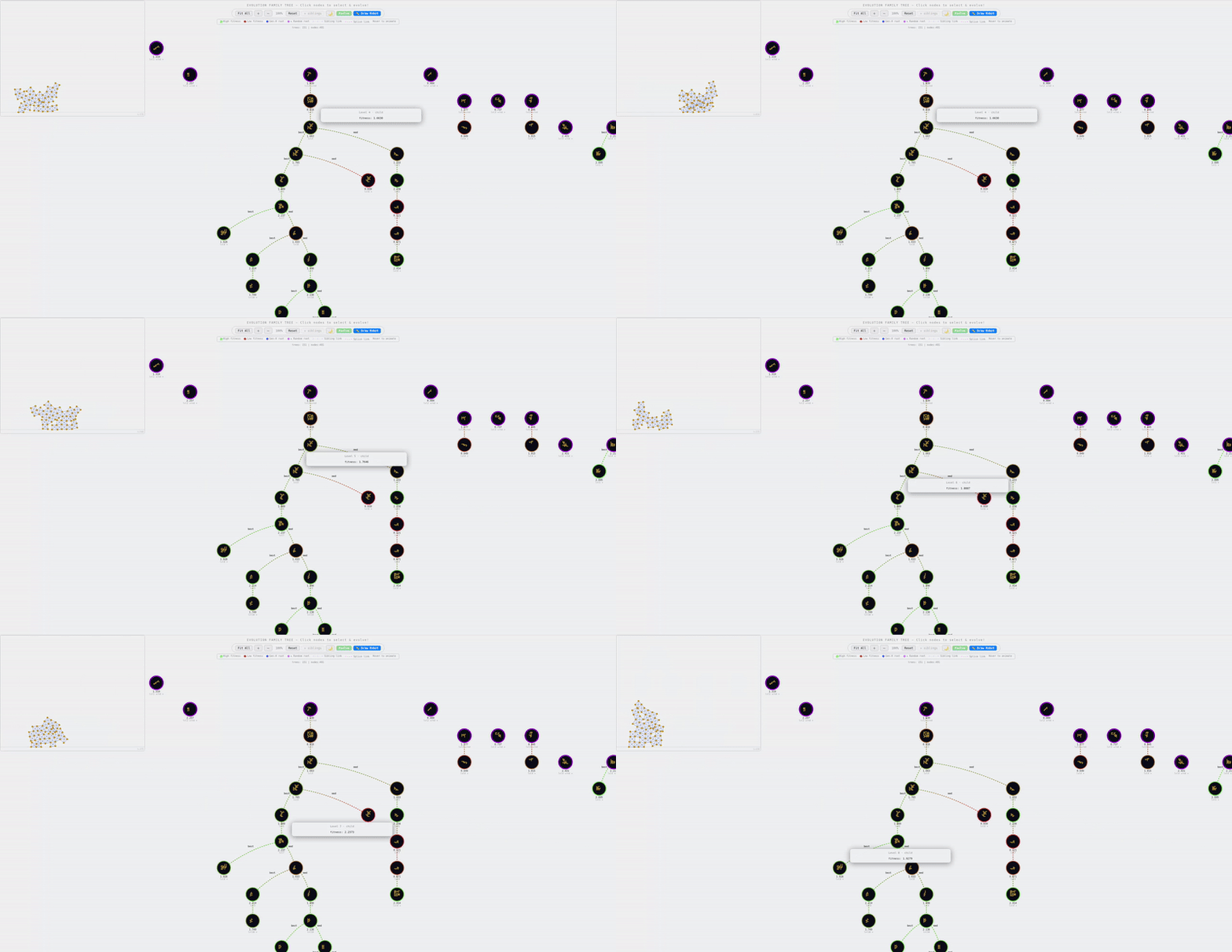
Hovering over a lineage node instantly plays that robot's locomotion
Sandbox: Forced Evolution (Targeted Mutation)
Standard evolution is hands-off — you set parameters and wait. Forced Evolution lets you pick any robot on the lineage tree, hit Evolve, and immediately spawn a mutated child. The engine mutates the DNA, evaluates the new body in Taichi in real time, and appends the child to the live tree. This is great for exploring "what if" branches, rescuing promising but unlucky lineages, or just accelerating evolution in a direction you find interesting.
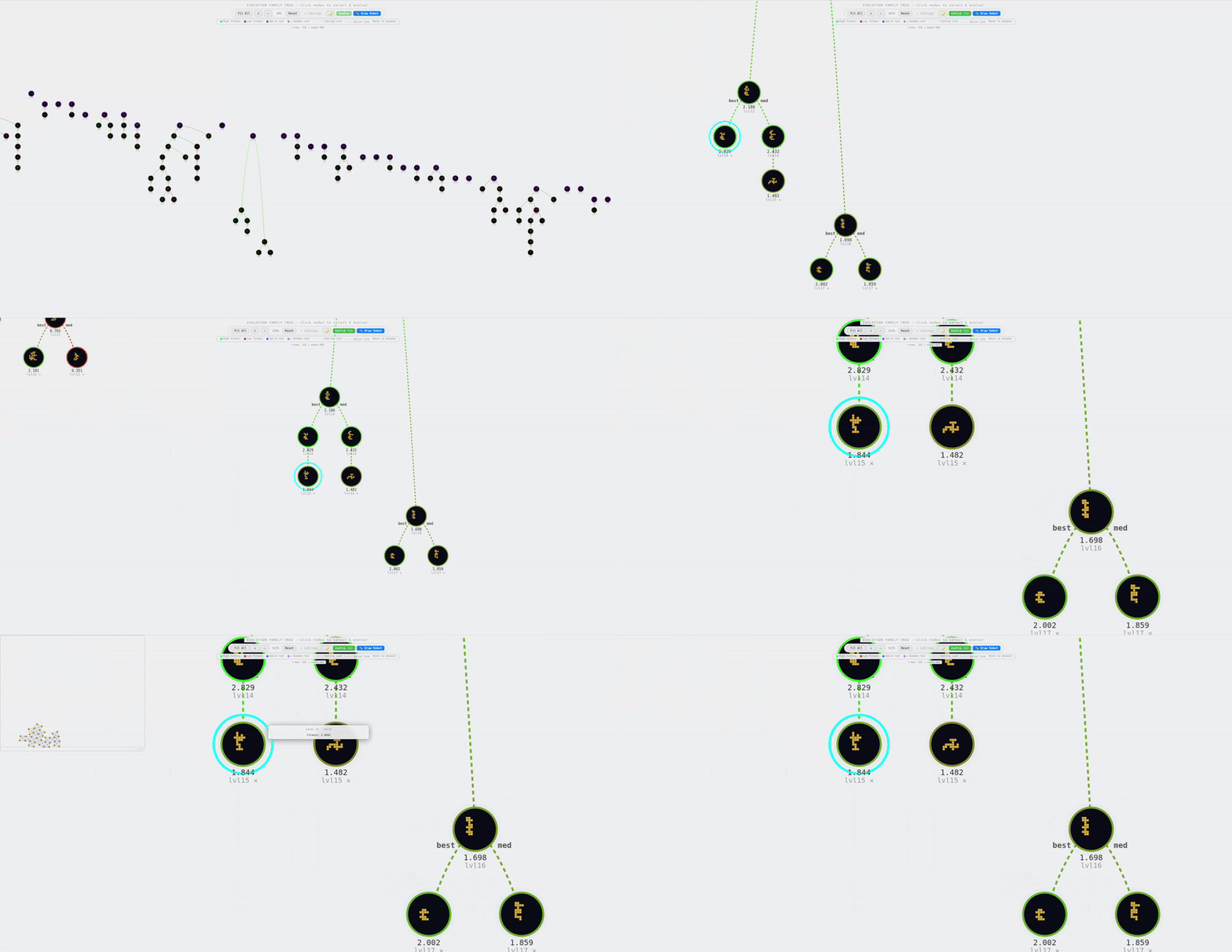
Select any robot on the tree and force-mutate it on demand
Sandbox: Spatial Splicing (Crossover)
Select two robots anywhere in the lineage tree and hit Splice. The engine slices both physical voxel masks along a spatial boundary, merges the halves, recalculates structural connectivity to ensure the hybrid is a valid creature, and immediately evaluates it in the physics sim. This is real genetic crossover — you can combine a fast-front robot with a stable-back robot and see if the offspring inherits both traits.
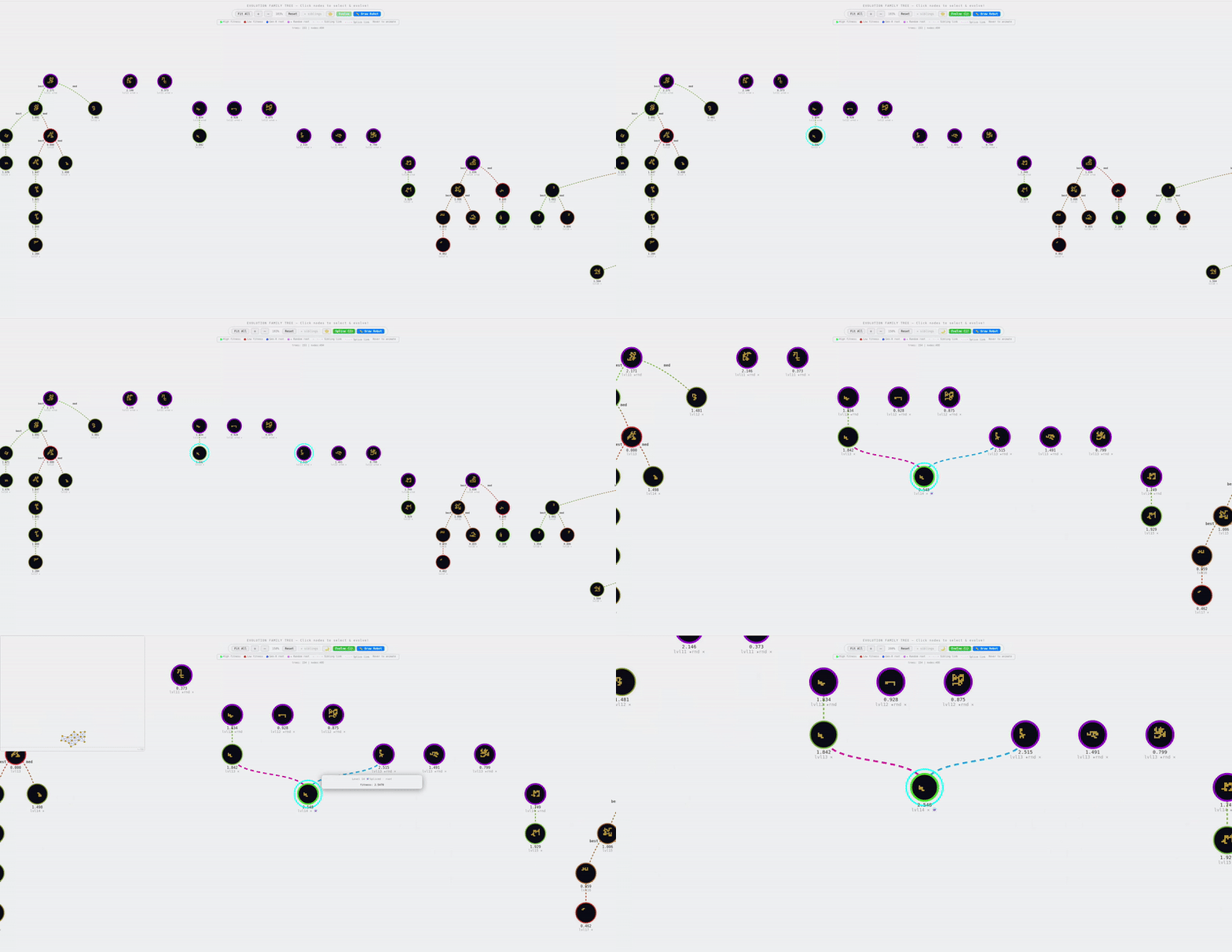
Two robots are spliced — their voxel bodies merged into a hybrid creature
Manual Robot Drawer
An interactive 8×8 pixel grid lets you paint your own robot body by hand. Click cells to toggle voxels, then push the design directly into the Taichi simulation to test if your creature can walk. It's a fun way to build intuition for which body shapes produce stable locomotion — and a great sanity check when debugging the evolutionary pipeline.
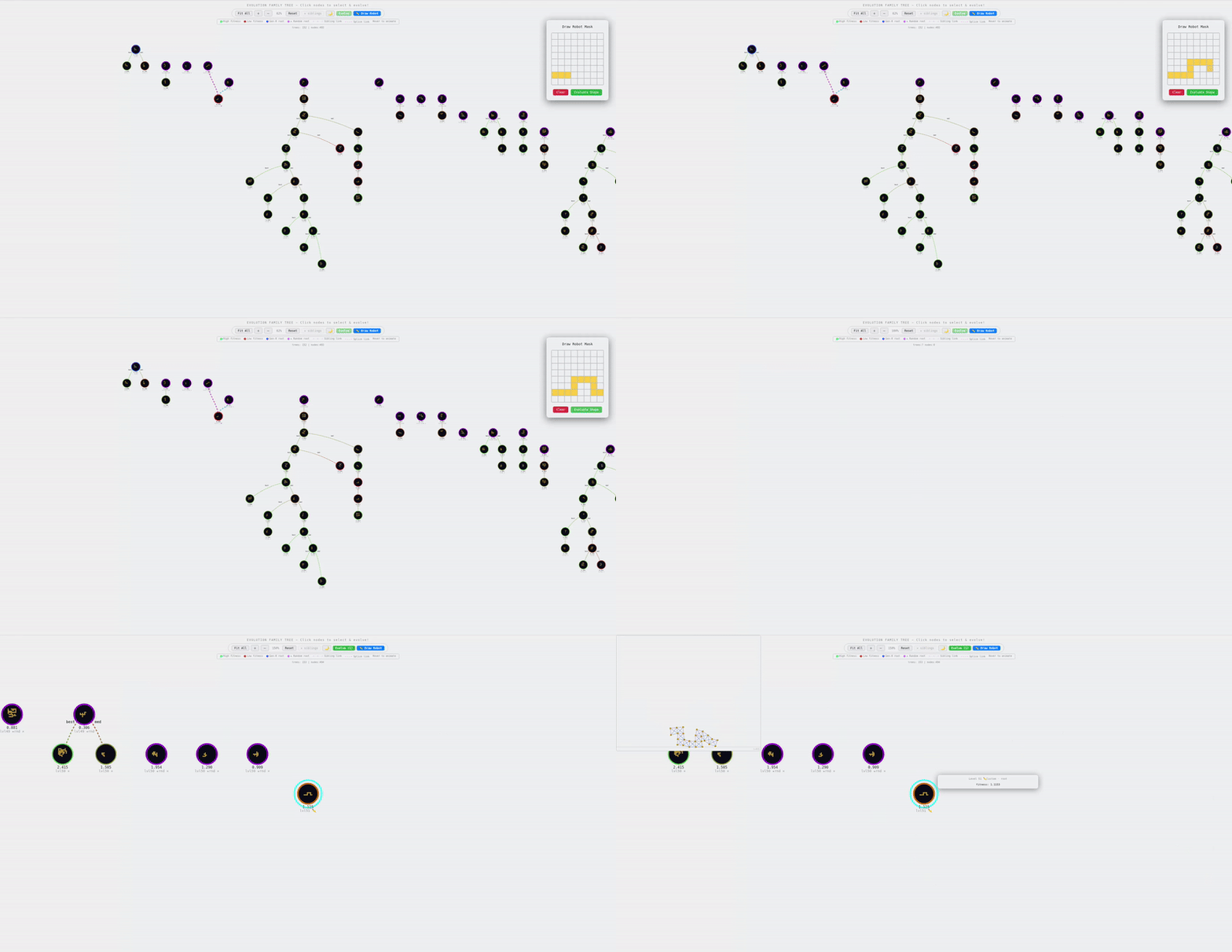
Paint a custom 8×8 voxel body and send it straight into the physics sim
Best Robot Visualizer
A clean, full-screen viewer that isolates the champion robot from an evolutionary run and plays its learned locomotion gait in a distraction-free environment. Ideal for recording results, showing demos, or just appreciating how far the creature has come from its random-walk ancestors.
- Launch with: python visualizer.py → http://localhost:5000
The best robot from the run displayed in a dedicated full-screen viewer
Cinematic Evolution Montage
Extracts the #1 champion robot from every generation and plays them back-to-back in a full-screen montage — first showing the robot with a random (untrained) controller, then immediately after with its learned gait. Watching 20+ generations of progress play out in seconds makes the power of the evolutionary algorithm viscerally clear. Keyboard controls let you slow down to 0.1× for detailed analysis, skip generations, or hide the UI for clean recording.
- Spacebar: pause/play | Left/Right: skip generations | Up/Down: change playback speed (down to 0.1×) | H: hide UI
- Launch with: python evolution_visualizer.py --config config.yaml → http://localhost:5002
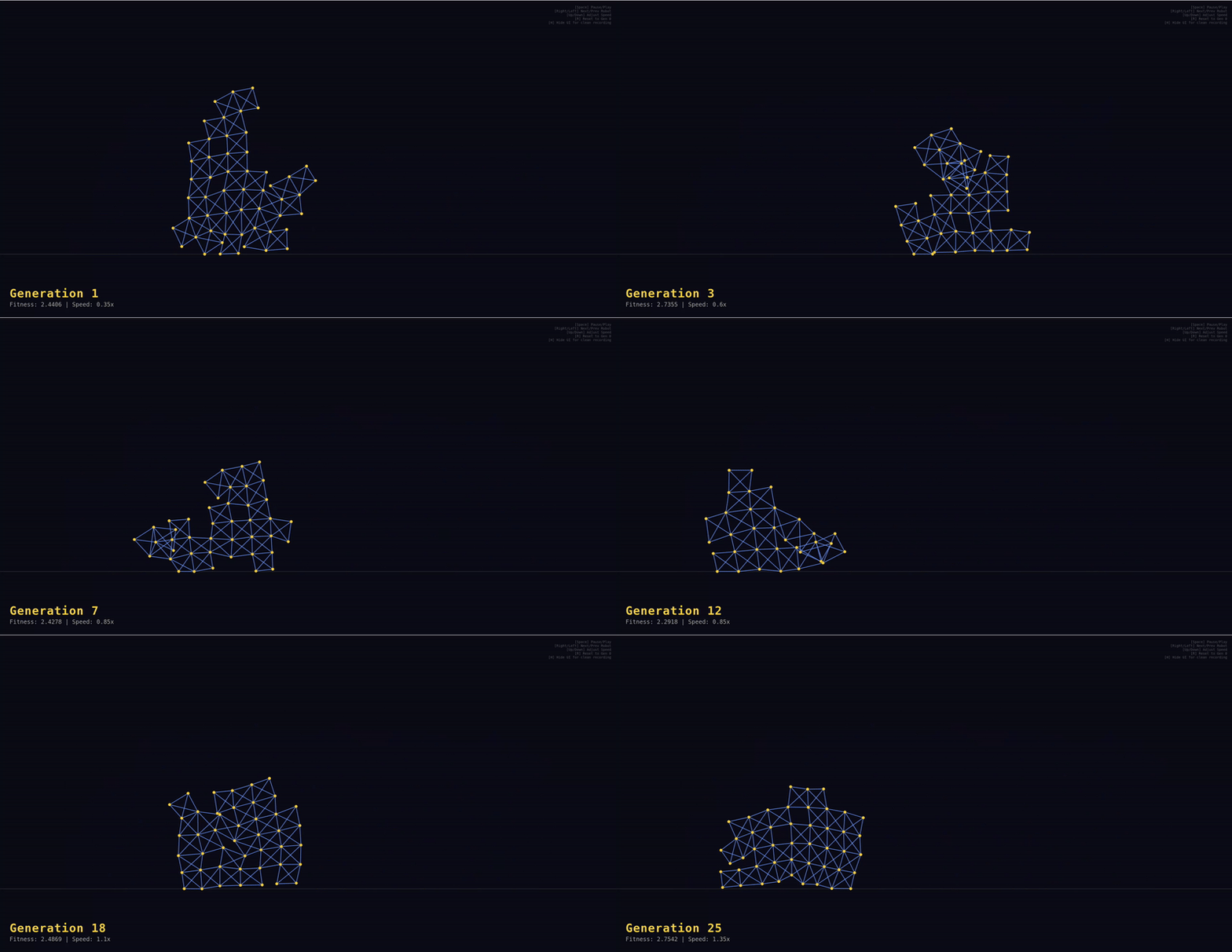
Every generation's champion plays before/after training in a cinematic montage